> For the complete documentation index, see [llms.txt](https://help.onebot.tech/onebot-help/llms.txt). Markdown versions of documentation pages are available by appending `.md` to page URLs; this page is available as [Markdown](https://help.onebot.tech/onebot-help/nastroiki-platformy/upravlenie-akkauntom.md).
# Управление аккаунтом
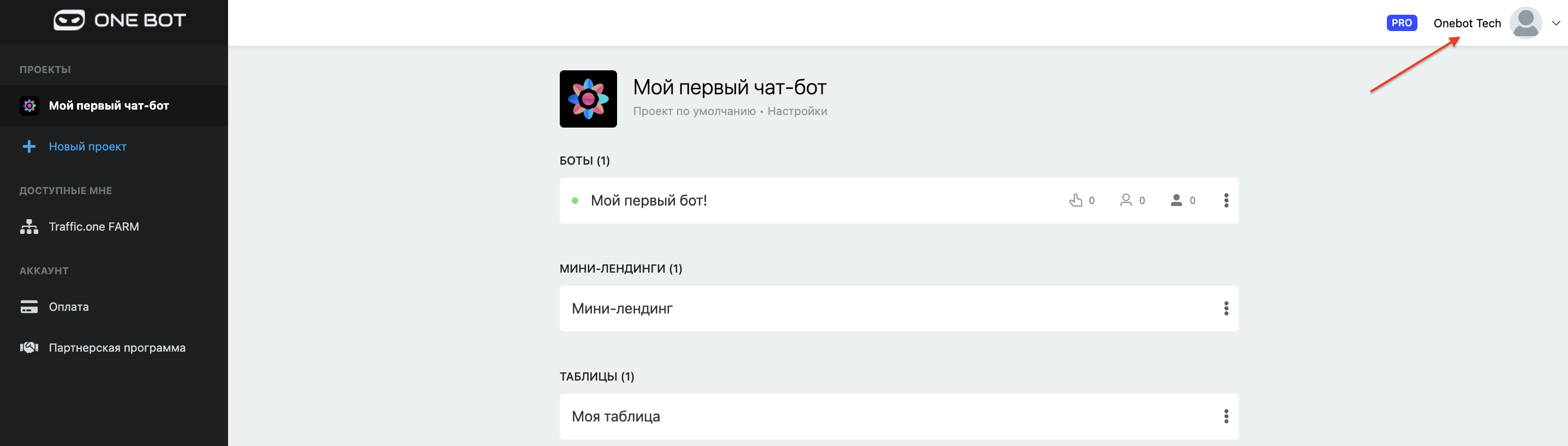
Настройки своего аккаунта можно увидеть в верхнем правом углу, нажав на аватарку и выбрав раздел "**Управление аккаунтом**".
{% hint style="info" %}
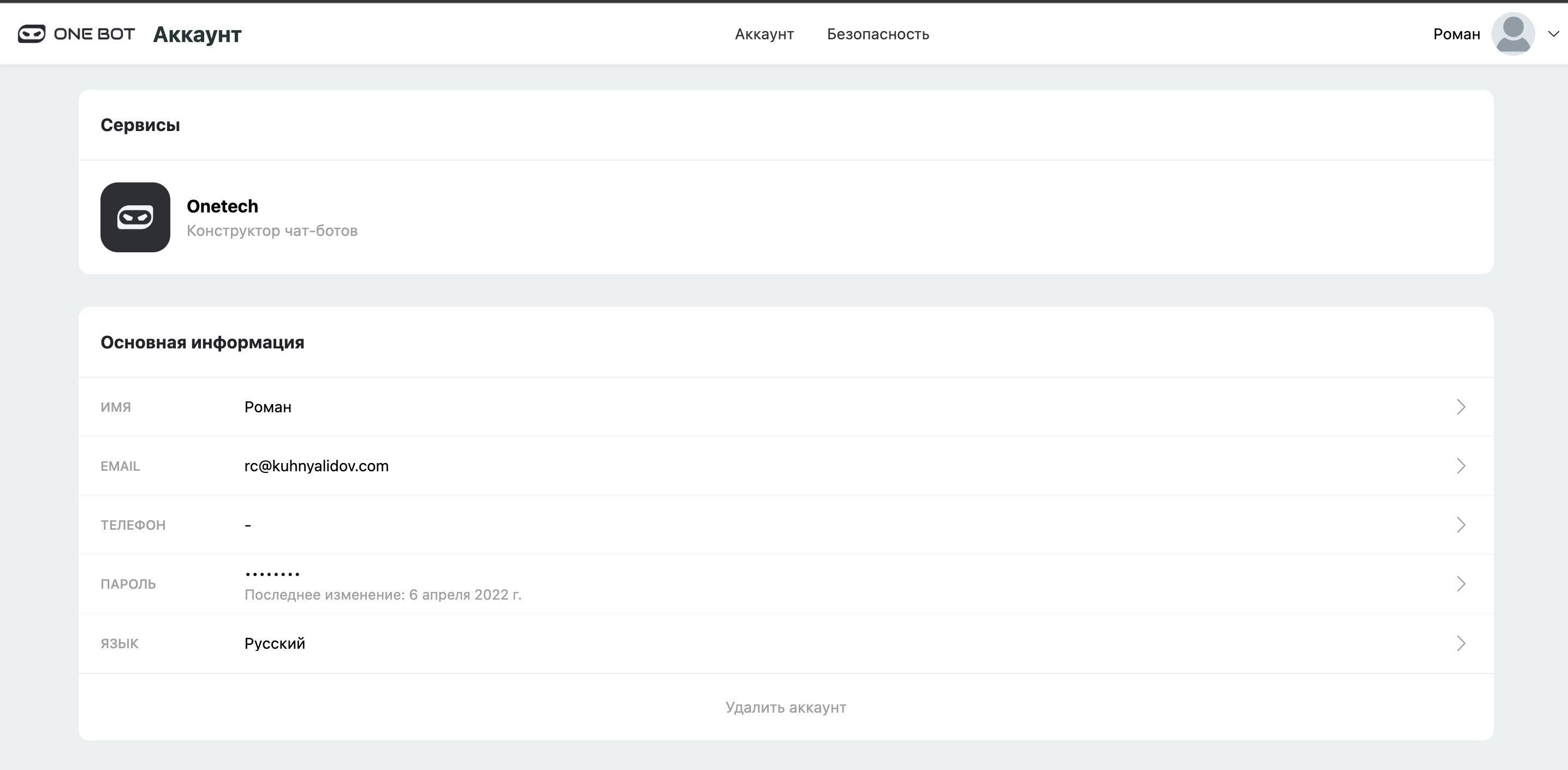
В это разделе можно изменить:
{% endhint %}
* Имя
* Почту
* Номер телефона
* Пароль
* Язык платформы
Также, в этом разделе находится раздел для подключения соц.сетей, для дальнейшей интеграции с другими сервисами.
{% hint style="danger" %}
Также на этой странице находится раздел "**Безопасность**", где ты можешь увидеть все текущие сеансы (включая операционную систему, браузер, IP-адрес и гео)
{% endhint %}
.png?alt=media&token=377bb18b-3755-4c61-a466-47c6e99b65e0)